FabStyle English
A fan translation of FabStyle, the Japan-only Nintendo 3DS fashion-shop game. Run your own boutique in Harbor City, dress your customers and win the Business Awards, now in English.
Download the patch How to install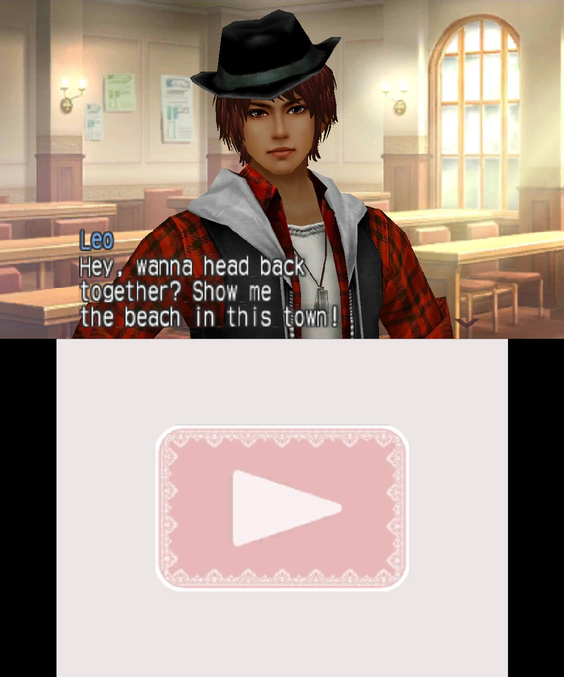
Translated
- All story dialogue, menus and messages
- Items, characters, shops, brands, salon options and mails
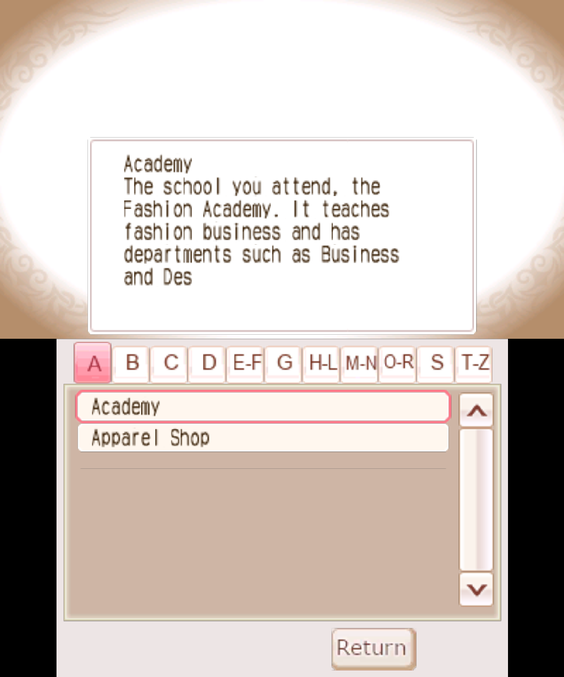
- Phone glossary, with A–Z tabs and alphabetical order
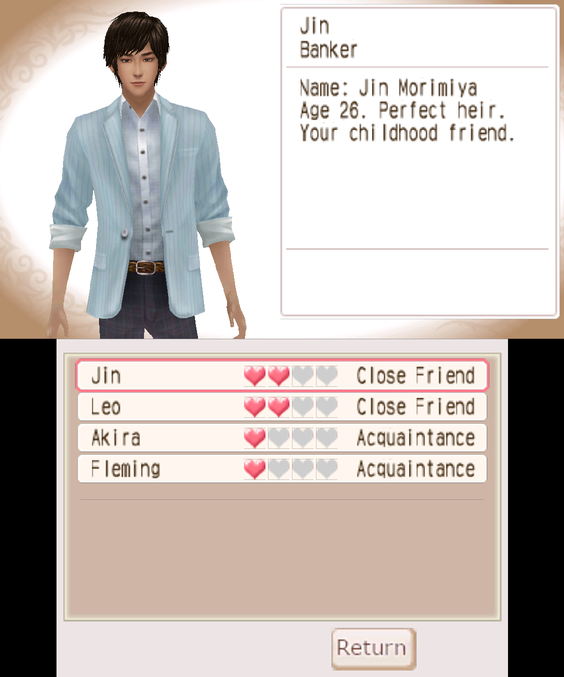
- Character list in A–Z order
- Interface text built into the game program (money screens, filters, stock buying)
- Buttons, titles and labels drawn in images
Not translated (yet)
- Cinematics and voiced 3D scenes (Japanese audio, no subtitles)
- A few labels inside Academy lesson diagrams
- The name-entry keyboard (English letters are under その他)
How to install
You need your own copy of FabStyle (Japan, title ID 0004000000071D00). The patch does not contain the game.
Citra / Azahar emulator
- Unzip the patch.
- In Citra, right-click FabStyle and choose Open Mods Location (or open
%APPDATA%\Citra\load\mods\). - Copy the folder
Citra\0004000000071D00there, so you haveload\mods\0004000000071D00\romfsand…\exefs\code.ips. - Start the game.
Citra / Azahar on Android
- Find the emulator's user folder (the one you picked on first launch; older Citra builds use
Internal storage/citra-emu). - Copy
Citra/0004000000071D00into<user folder>/load/mods/(createloadandmodsif they don't exist). - Fully close the emulator and start the game again.
Real 3DS (Luma3DS custom firmware)
- Install your FabStyle
.ciaas usual (for example with FBI). - Open the patch's
3DS-SD-card-rootfolder and copy thelumafolder inside it to the root of your SD card, merging with the existing one. You must end up withSD:/luma/titles/0004000000071D00/, notSD:/3ds/luma/…. - Hold SELECT while powering on, turn on Enable game patching, and save.
- Start the game.
Reporting problems
Found Japanese text, cut-off lines or a typo? Open an issue on the issues page with a screenshot and where it happened.
Credits
Solo fan project, made with PowerShell, Citra, Git CMD and Python.